
📚 Advanced eBook Converter
Convert, Edit, and Optimize your eBooks with Professional Features
Drag & Drop your eBook file here
or click to browse
Chapter 1: Getting Started
Start writing your eBook content here. Use the toolbar above to format your text, add images, links, and more.
This editor supports rich text formatting and will preserve your styling during conversion.
Multi-Format Support
Convert between EPUB, MOBI, PDF, TXT, HTML, DOCX, and FB2 formats with ease.
Built-in Editor
Edit your eBooks with our rich text editor featuring formatting, images, and links.
Metadata Management
Add and edit book metadata including title, author, ISBN, cover, and more.
Customizable Output
Control quality, compression, font embedding, and formatting options.
Fast Processing
Quick conversion with progress tracking and batch processing capabilities.
Privacy Focused
All processing happens locally in your browser – no files uploaded to servers.
Chapter Management
Organize your book with chapters and sections with easy navigation.
Theme Support
Light, dark, and sepia themes for comfortable reading and editing.
🛠️ Advanced Tools
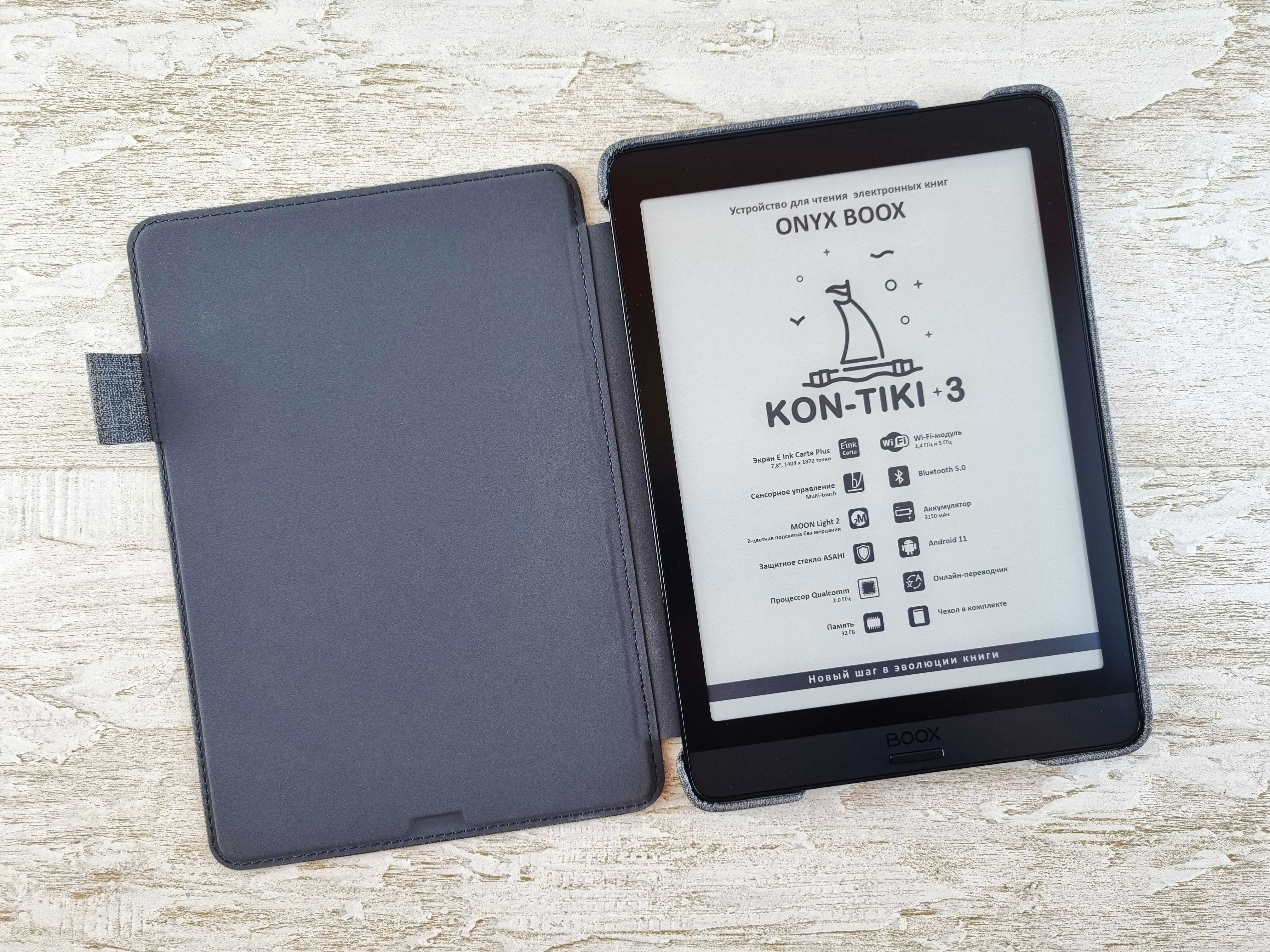
Introduction to Ebook Converters
An ebook converter is a powerful tool that enables you to transform your digital documents into various ebook formats. Whether you have a PDF, DOCX, or EPUB file, these converters help you create ebooks suitable for a variety of reading devices. In this tutorial, we will guide you through the process of using an ebook converter effectively.
Step 1: Choose the Right Ebook Converter
The first step is to select an appropriate ebook converter that meets your needs. There are numerous online tools available, as well as downloadable software. Some popular online converters include Calibre, Zamzar, and Online-Convert. Make sure to choose one that supports the file formats you require.
Step 2: Upload Your Document
Once you have selected an ebook converter, it’s time to upload your document. Click the ‘Upload’ or ‘Select File’ button and locate the file on your device. After selecting the file, the converter might allow you to choose the output format. Consider your audience and the devices they will use to read your ebook.
Step 3: Convert Your File
After you’ve uploaded the document and selected your preferred output format, it’s time to initiate the conversion. Click on the ‘Convert’ button and wait for the process to complete. Depending on the file size, this may take just a few seconds to a few minutes. Once finished, you’ll typically be provided with a download link for your new ebook.
Conclusion
Using an ebook converter simplifies the process of creating ebooks from various file formats. By following these straightforward steps, you can ensure that your documents are ready for distribution and easy reading. Experiment with different converters to find the one that works best for you!